
Category
B2C Customer Relationship Management
Klaviyo
Playable
Playable's Klaviyo Connector
A single video delivery system simplifies video email creation across Klaviyo workflows. Export once from Playable and reuse the same video across campaigns, rather than re-uploading or re-linking assets for every send. It enables you to manage, preview, rename, and export video snippets without any technical effort or friction.
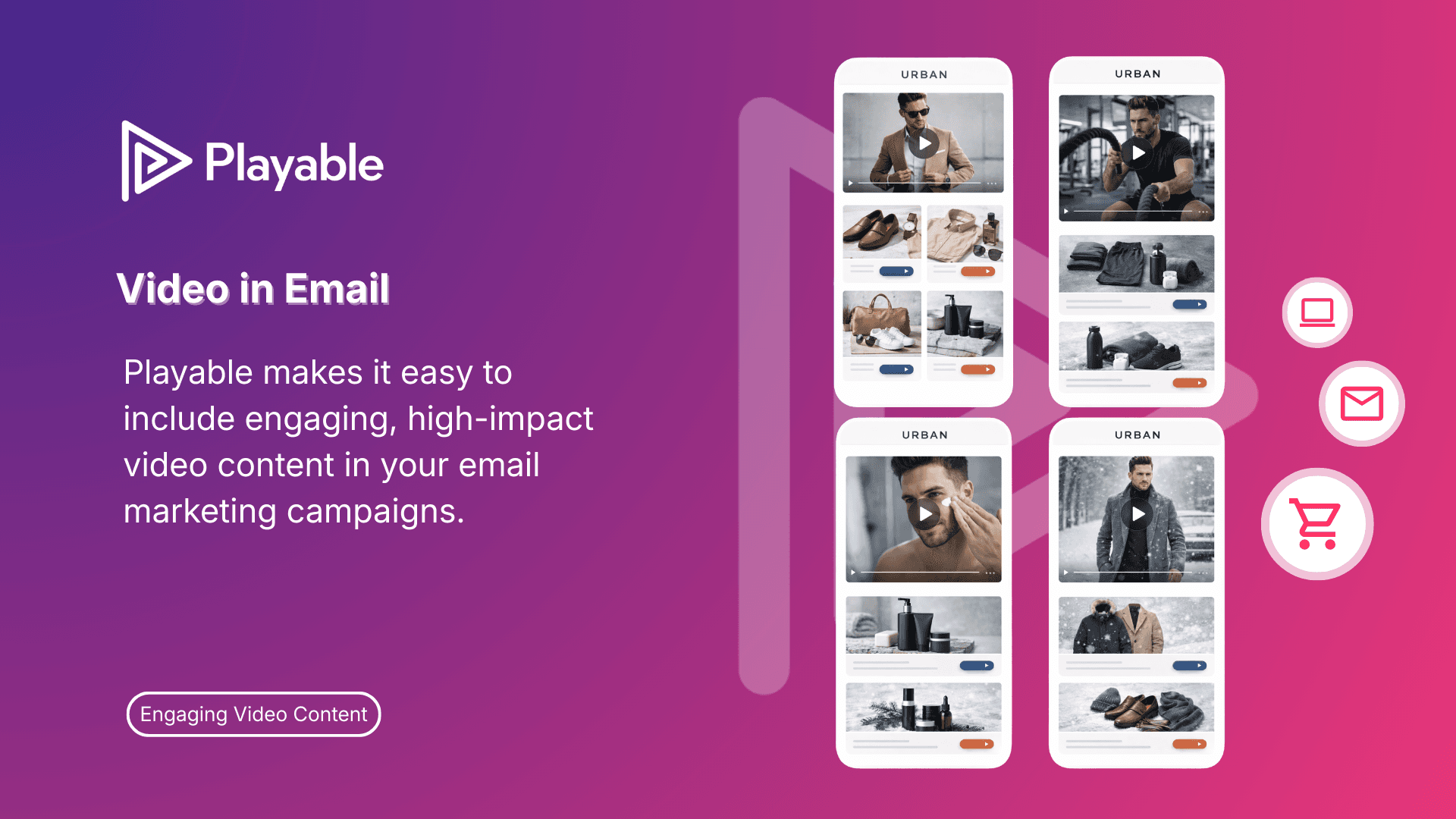
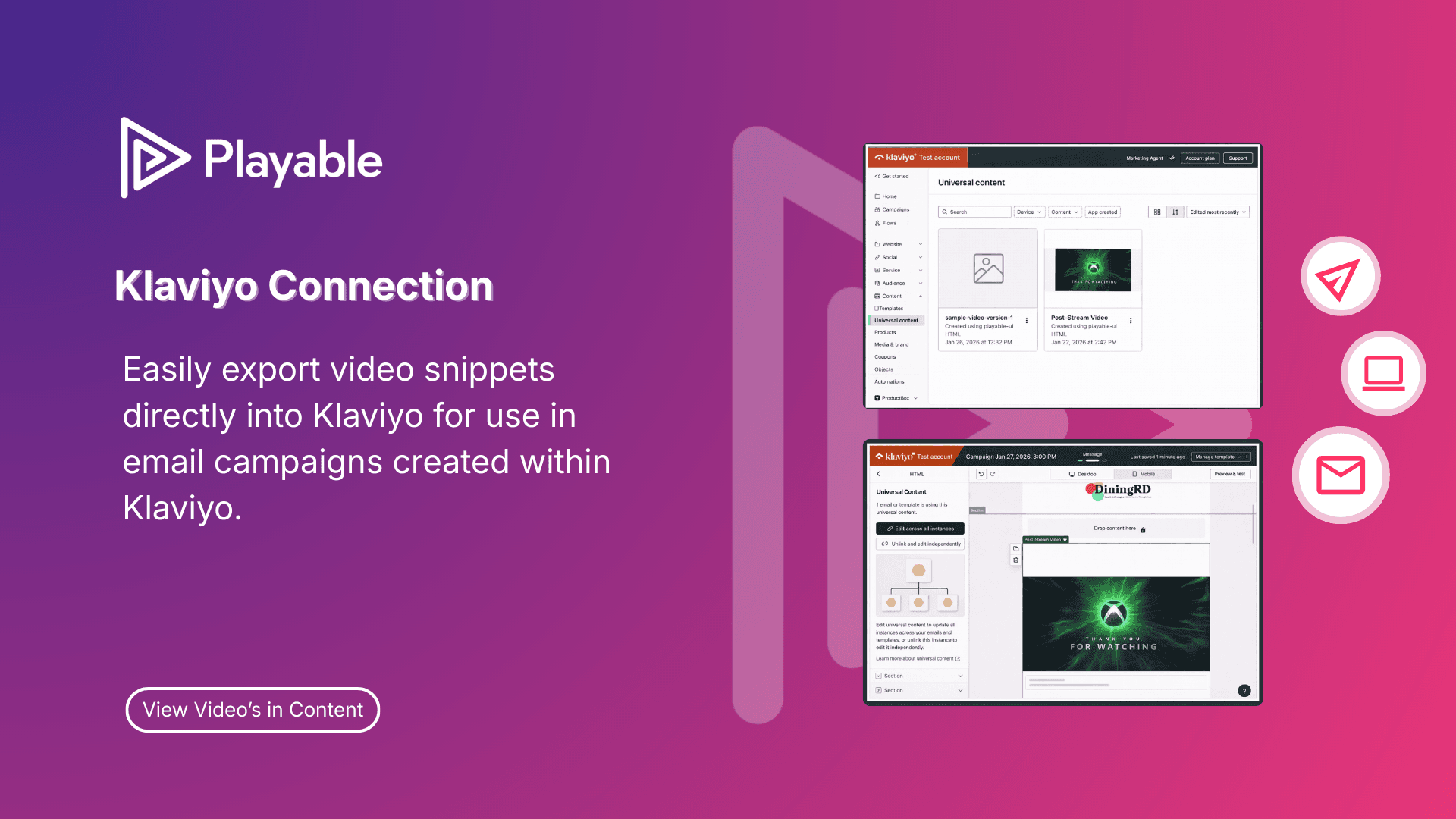
Playable makes it easy to include engaging, high-impact video content in your email marketing campaigns. Once connected, Playable automatically syncs video snippets into Klaviyo, allowing marketers to use video within their campaigns without manually copying embed code or managing complex HTML workflows. Video snippets exported from Playable appear in Klaviyo as Universal Content Blocks, allowing them to be reused across multiple email and messaging campaigns and templates.
What can you do with Playable and Klaviyo?
Automatic Asset Sync
The Playable dashboard syncs automatically with a user’s Playable account. No manual uploads or copy-pasting are required. Video assets appear as soon as they are available in Playable, and a Refresh button lets users pull in any recent changes on demand.
Add video to campaigns without copying HTML embed codes or manually managing assets.
One-Click Export to Klaviyo
Video snippets can be exported to Klaviyo as Universal Content Blocks with a single click. Once exported, blocks are immediately available across all Klaviyo email campaigns and flows. Users can export a single video or use bulk selection to push multiple assets at once.
Flexible Export Options
When exporting, users can choose to create a new content block or override an existing one — useful when the underlying Playable embed code has been updated. Each asset carries an export status tag (“New” or “Exported”) so users always know the current state of their library.
By automating the export and syncing process, Playable has made it easier to manage and scale video content across campaigns.
Video Preview
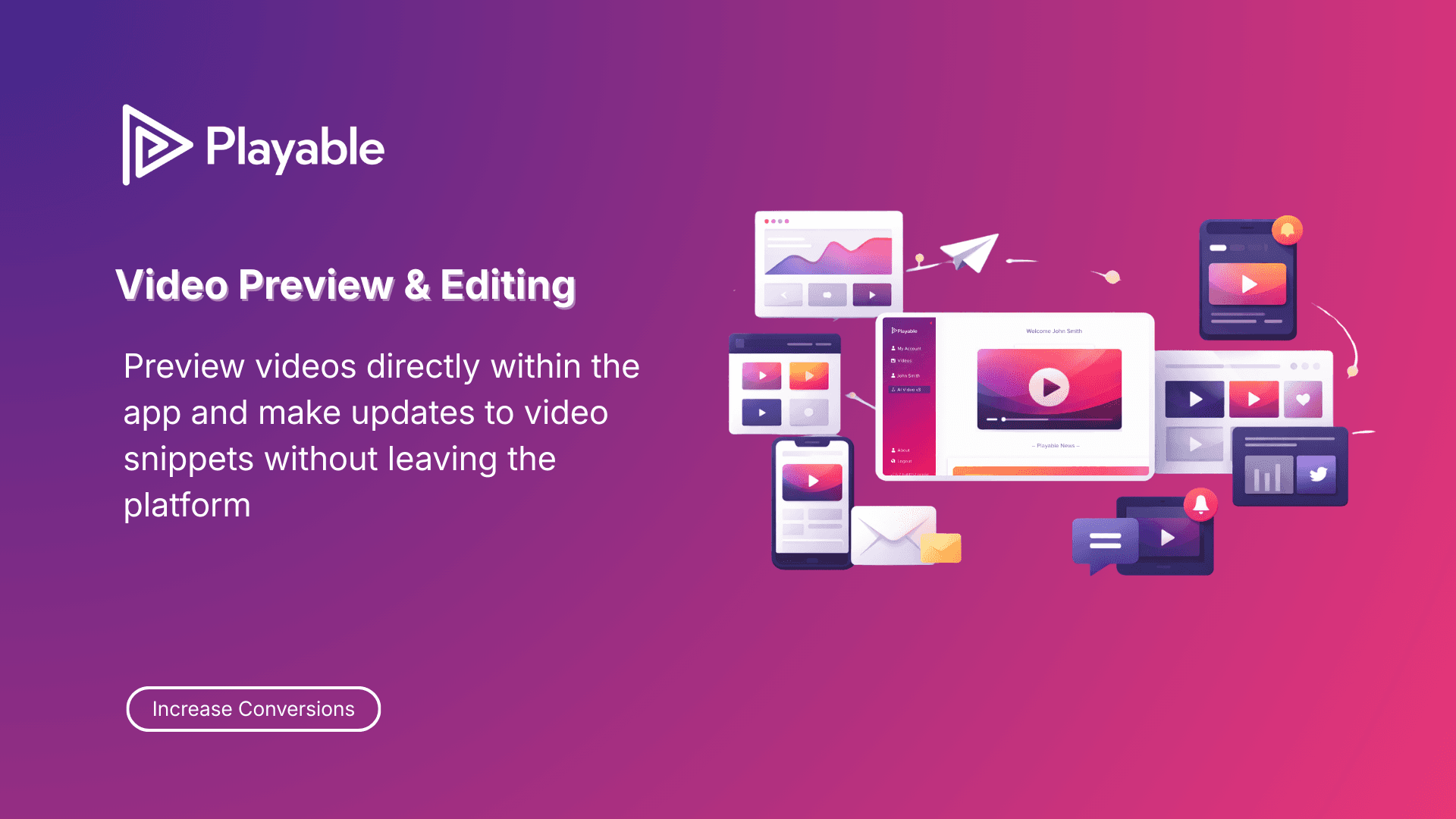
Marketers can preview any video snippet directly within the Playable dashboard before exporting, ensuring the right asset goes into the right campaign without leaving the workflow.
Playable + Klaviyo enables users to deploy video messages in minutes, with no custom builds or complex setup required.
Search and Bulk Management
A search bar and bulk-action controls make it easy to manage large video libraries. Users can find assets by title, select multiple videos at once, and export them in a single action.
Playable + Klaviyo enables users to deploy video messages in minutes, with no custom builds or complex setup required.
Connect Playable to Klaviyo
01.
Playable account
Log in to your Playable account and open the Playable Console.
01.
Playable account
Log in to your Playable account and open the Playable Console.
02.
Klaviyo connector
Click the Klaviyo connector button to begin the connection.
02.
Klaviyo connector
Click the Klaviyo connector button to begin the connection.
02.
Klaviyo connector
Click the Klaviyo connector button to begin the connection.
03.
Authorise
You’ll be taken to Klaviyo to authorise the connection.
03.
Authorise
You’ll be taken to Klaviyo to authorise the connection.
03.
Authorise
You’ll be taken to Klaviyo to authorise the connection.
04.
Klaviyo account
Log in to your Klaviyo account when prompted.
04.
Klaviyo account
Log in to your Klaviyo account when prompted.
04.
Klaviyo account
Log in to your Klaviyo account when prompted.
05.
Permissions
Review the requested permissions and click Allow.
05.
Permissions
Review the requested permissions and click Allow.
05.
Permissions
Review the requested permissions and click Allow.
06.
Universal Content Block
Once connected, your Playable videos will be available in Klaviyo as Universal Content Blocks for use in your campaigns.
06.
Universal Content Block
Once connected, your Playable videos will be available in Klaviyo as Universal Content Blocks for use in your campaigns.
06.
Universal Content Block
Once connected, your Playable videos will be available in Klaviyo as Universal Content Blocks for use in your campaigns.