Category

Digital and Email Marketing

Playable's Integration with Constant Contact

The integration between Playable and Constant Contact enables high-quality, instant-play video in email campaigns. Brands can add video to Mailchimp emails without coding, or technical setup. Over 13 million customers use Mailchimp globally for their email marketing, supported by robust documentation and resources that help businesses explore solutions that evolve with their brand's needs. 


Video excels at communicating value fast and encouraging immediate action, and brands using Playable typically see a 20–30% increase in conversions compared to static images or GIFs, leading to more qualified traffic from inbox to website or checkout. The Playable platform simplifies video marketing, allowing upload, editing, and deployment of video content directly in Mailchimp to drive engaging campaigns and automations.


This integration is designed for brands in eCommerce, Non-profits, Restaurants, Entertainment & Leisure, and Digital Sales, the key sectors where Mailchimp enables subscriber growth, personalized email marketing, and revenue growth. 

What can you do with Playable and Constant Contact?

Add instant-play video to Constant Contact email campaigns

Playable integrates with Mailchimp to embed high-quality, instant-play video directly into emails requiring no coding or technical effort.

Deliver reliable, high-quality video in nearly every inbox

Playable automatically optimizes video formats, providing smooth, high-definition instant play with autoplay on open in 98%+ of email clients and devices.

Repurpose your social videos for email – extend what’s already working

Video often performs well in social channels, where it helps brands build awareness and capture attention at the top of the funnel.

Measure video impact with engagement and performance insights

Playable tracks plays, watch time, interactions, and attributed conversions — with data tied to Mailchimp campaigns and reports.

Deploy video-enhanced emails and automations quickly

Playable + Mailchimp supports fast upload, editing (via Playable's tools), and rollout of video-rich emails.

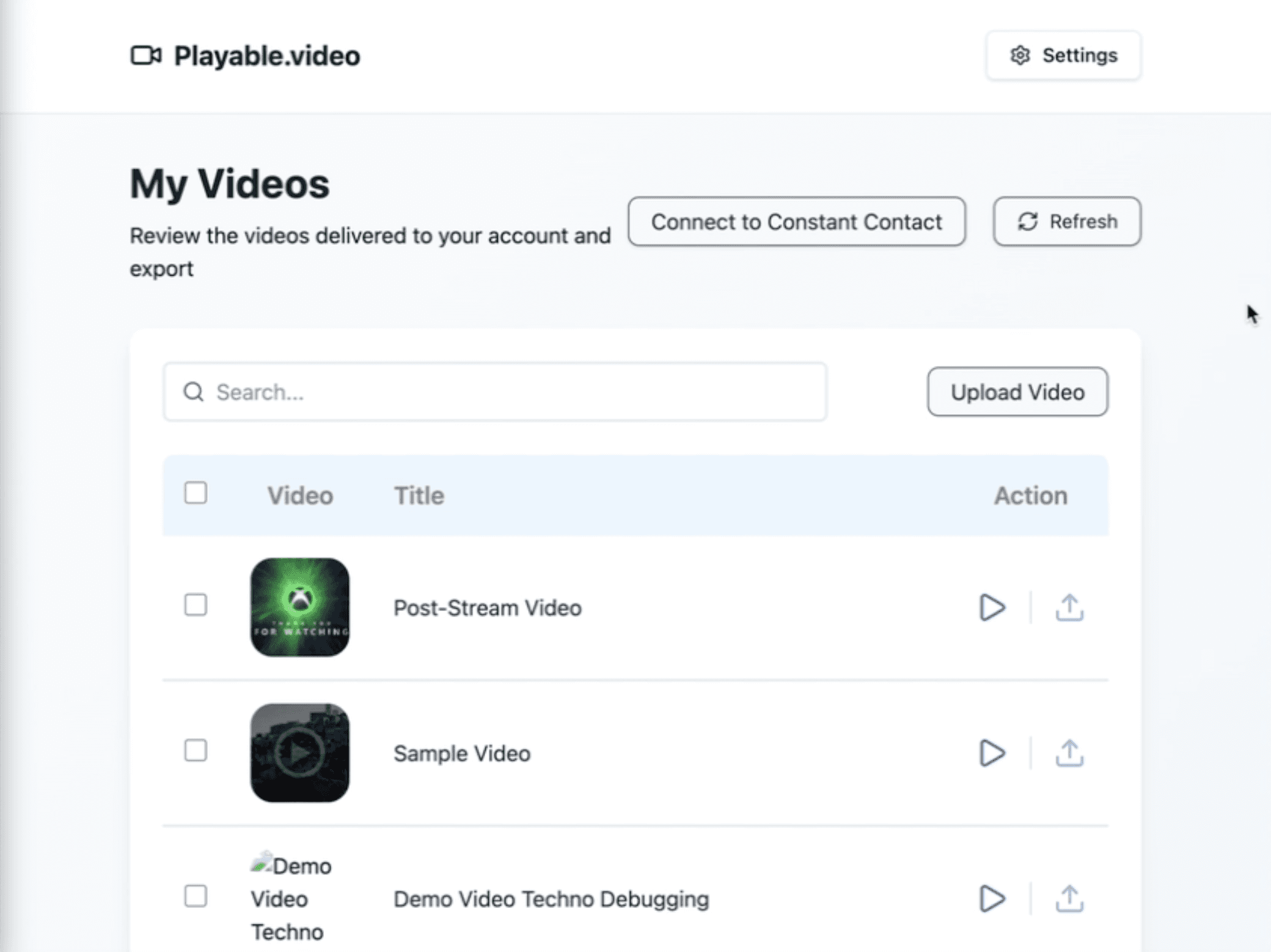
Getting Started.

Step-by-Step Guide.

01.
Upload

Upload a video to the Playable console.

01.
Upload

Upload a video to the Playable console.

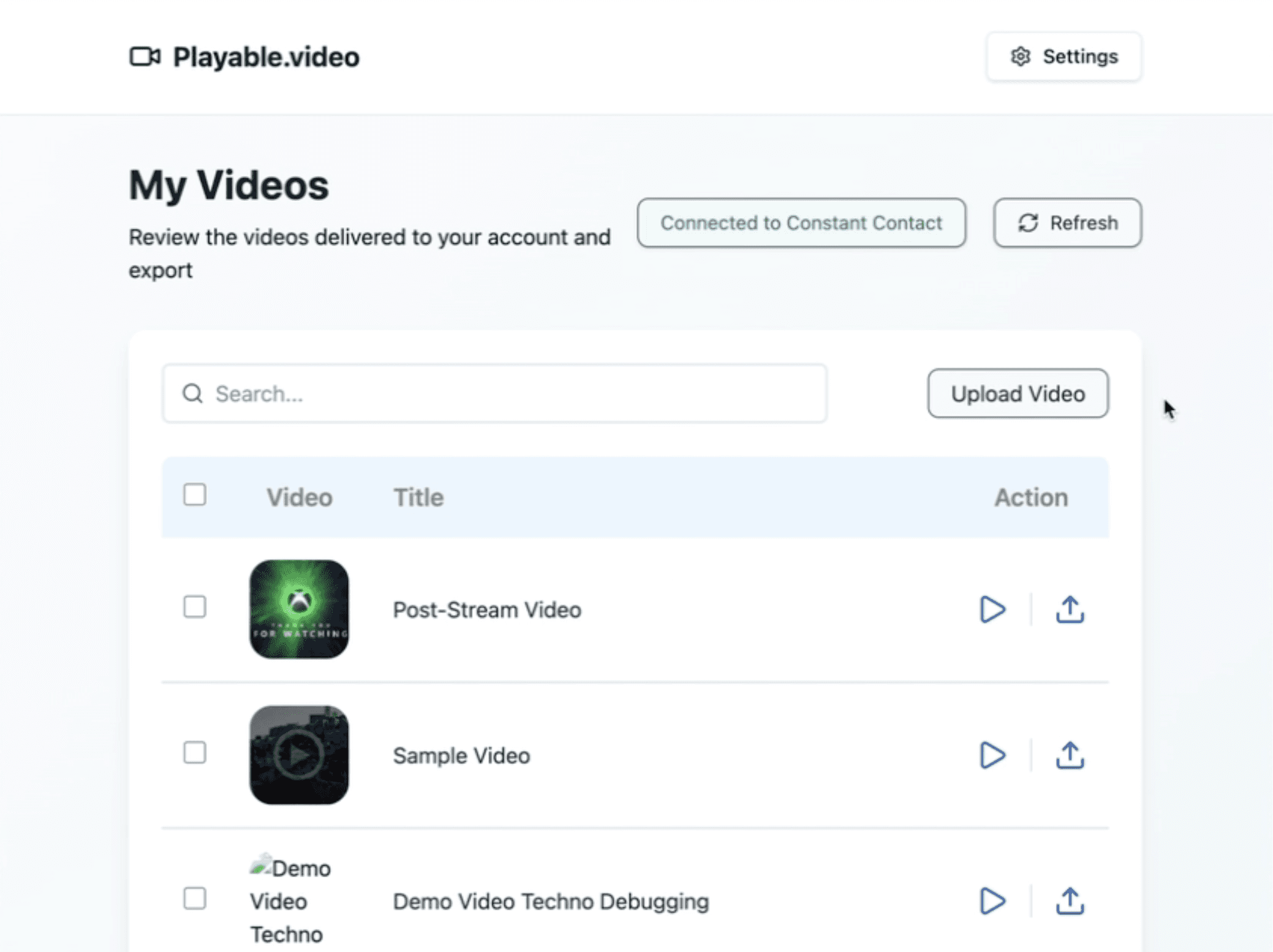
02.
Embed

Select Embed and copy the video HTML snippet.

02.
Embed

Select Embed and copy the video HTML snippet.

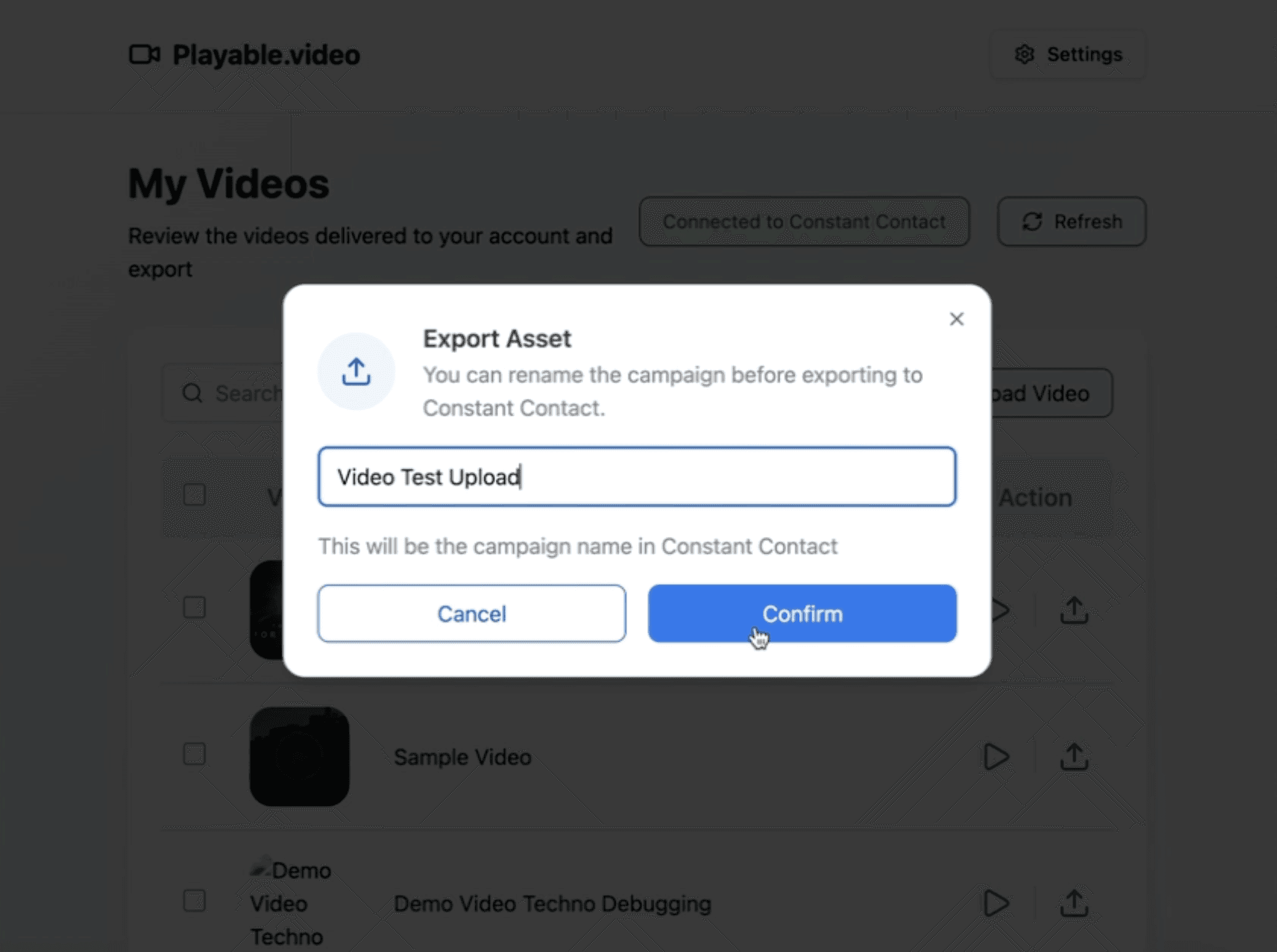
02.
Embed

Select Embed and copy the video HTML snippet.

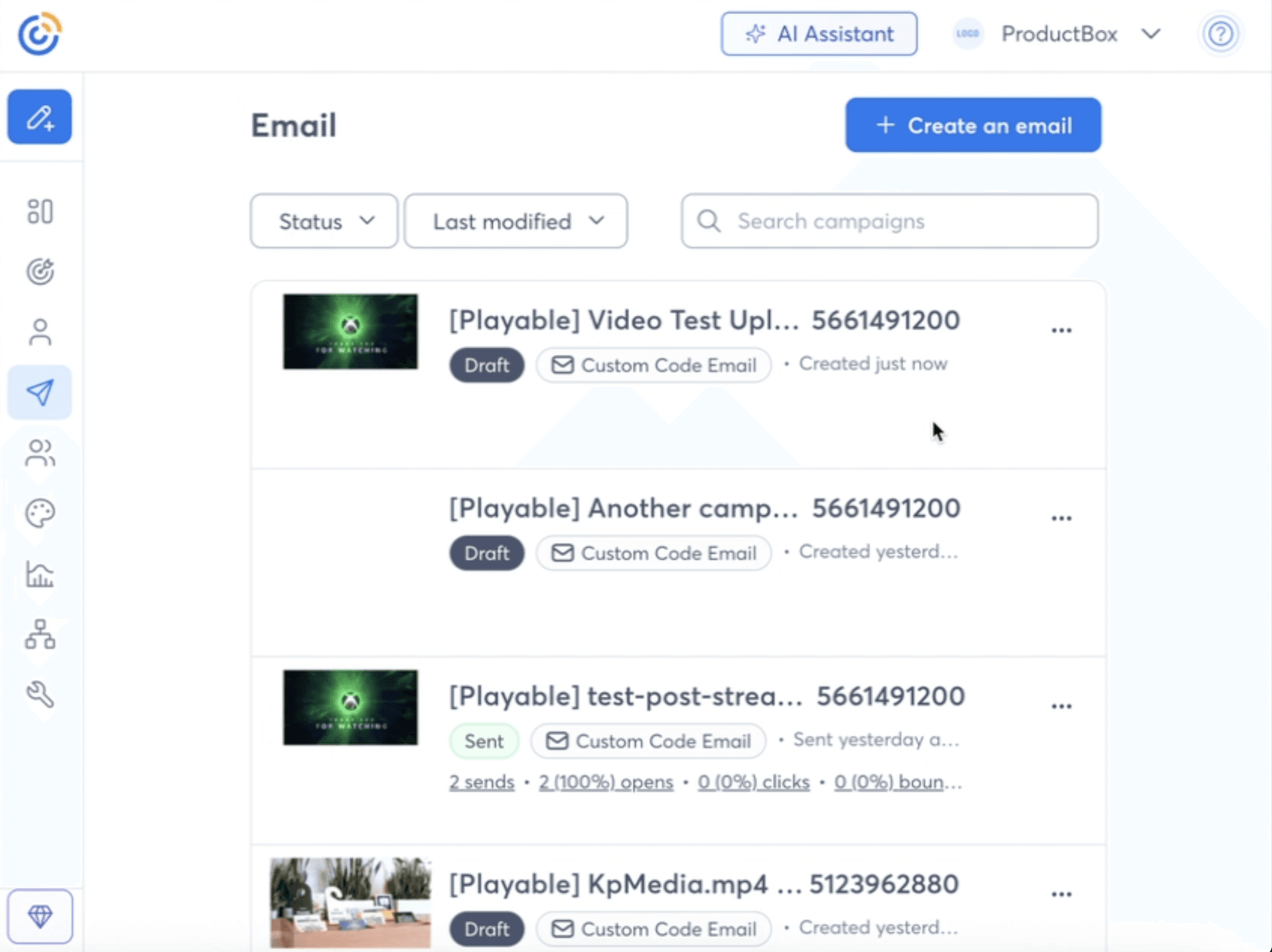
03.
Log in

Log in to your Constant Contact account.

03.
Log in

Log in to your Constant Contact account.

03.
Log in

Log in to your Constant Contact account.

04.
Open

Open email and drag-and-drop an HTML block

04.
Open

Open email and drag-and-drop an HTML block

04.
Open

Open email and drag-and-drop an HTML block

05.
Paste

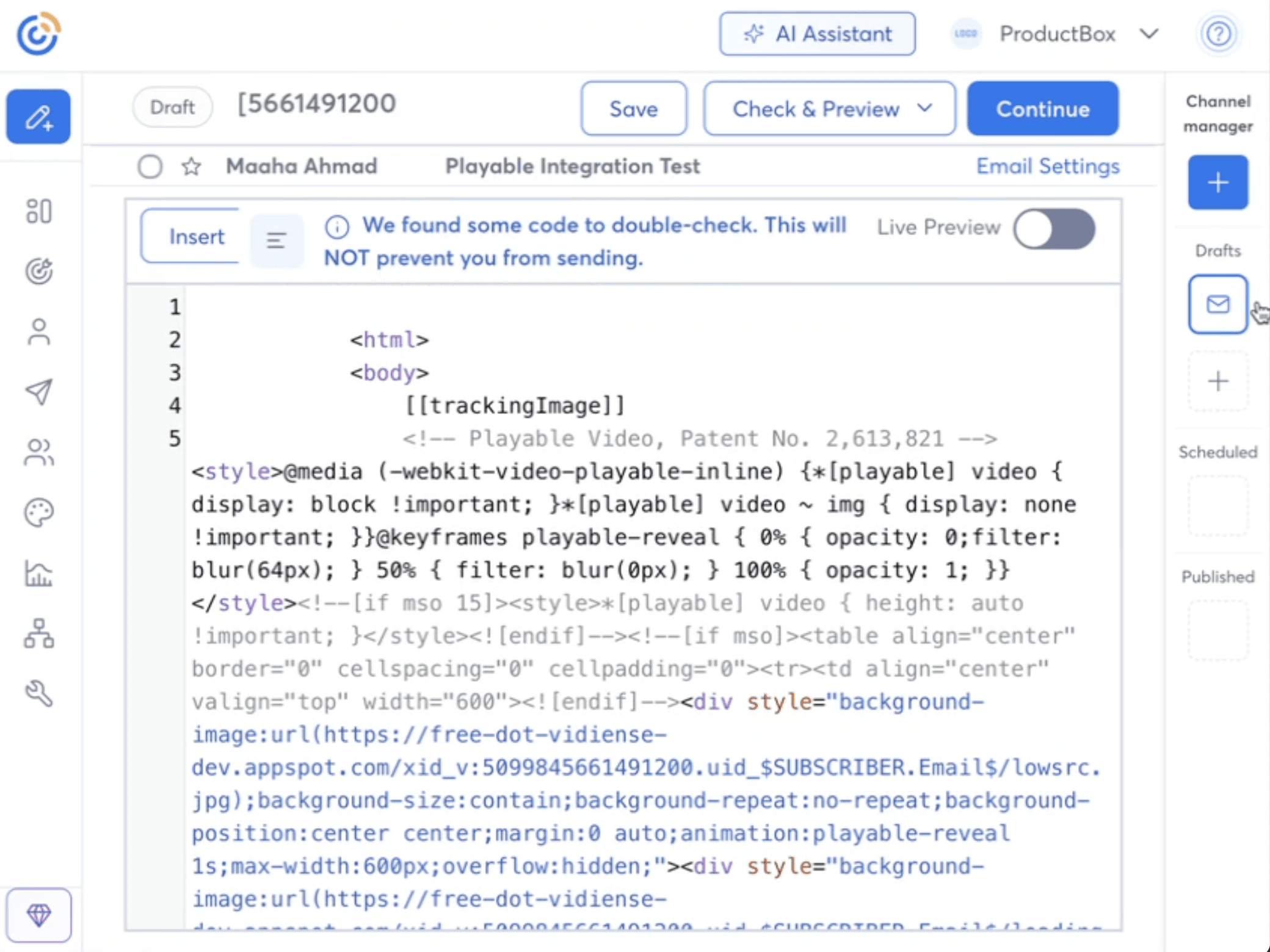
Paste the saved Playable snippet code.

05.
Paste

Paste the saved Playable snippet code.

05.
Paste

Paste the saved Playable snippet code.

06.
Instant-play

Video plays instantly for email and devices.

06.
Instant-play

Video plays instantly for email and devices.

06.
Instant-play

Video plays instantly for email and devices.