In-App Messaging

Emmie Houang
Marketing Communications Specialist
In the fast-paced world of mobile marketing, your customers’ expectations are evolving faster than ever. Catching their attention is already difficult but maintaining it is even harder. As the average user receives dozens of notifications daily, “message fatigue” has been a real issue for brands and marketers. Relevance in messaging is no longer a nice-to-have; it’s becoming the foundation of engagement.
How can you provide value without being intrusive? The answer lies in content cards. By integrating content cards into your in-app strategy, you can deliver timely, personalized, and relevant experiences that feel like a natural part of the user interface. They enable brands to be non-intrusive and meet users directly in the app environment.
In this article, we’ll explore how content cards are redefining engagement and how you can use them to keep your app content relevant for users in the evolving digital landscape.
What Is a Content Card?
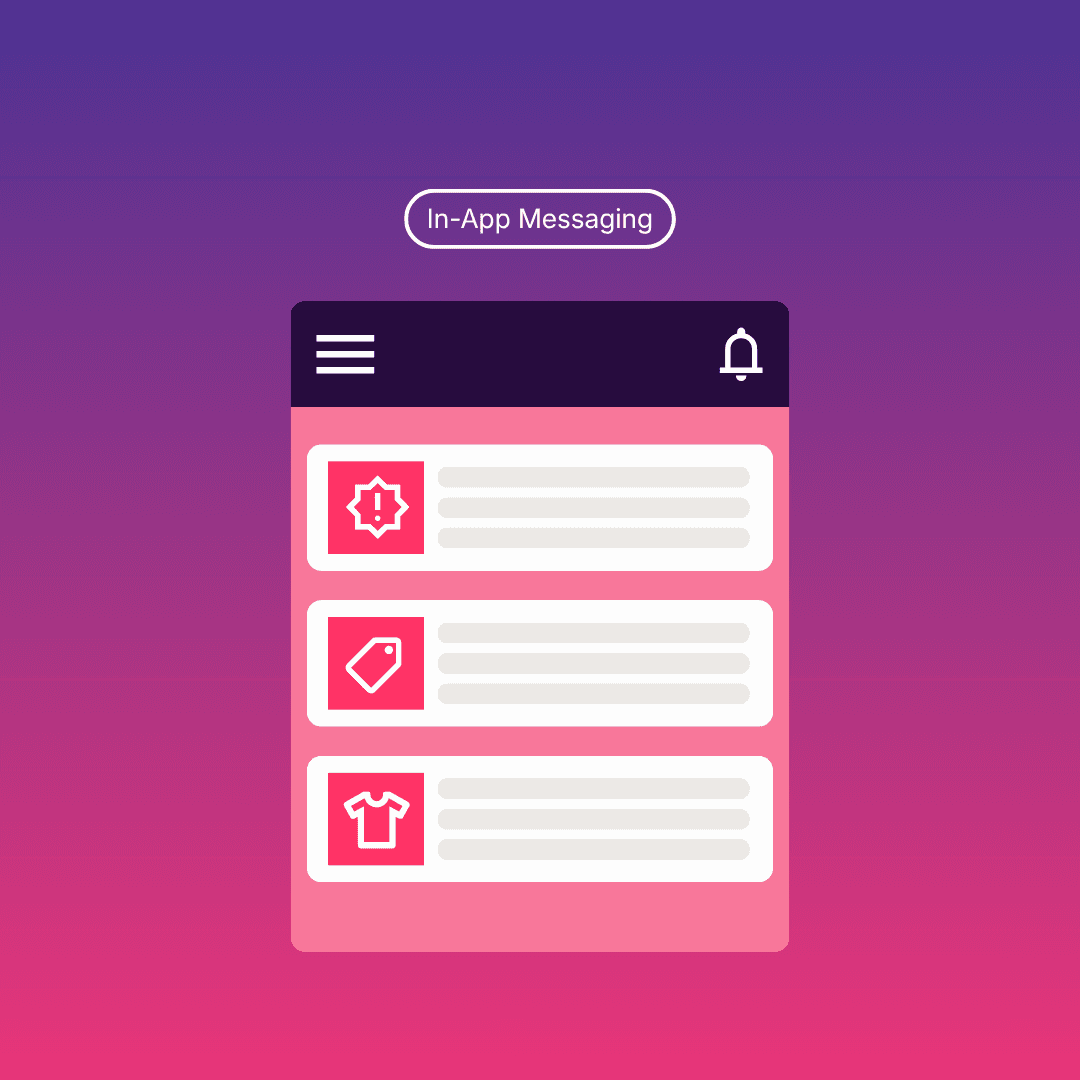
Content cards are highly flexible, UI-integrated messages that live within a feed or section inside your mobile app. Unlike transient messages like push notifications or an in-app pop-up that disappear once engaged, content cards are ongoing, persistent communication that don’t interrupt the user flow.
They can include images, titles, descriptions, and call-to-action (CTA) buttons. Because they are embedded directly into the app’s interface, they feel like a natural part of the user experience rather than an interruption. This native feeling is critical for users who value seamless and initiative interactions.
Another key advantage is flexibility. Content cards are dynamic and can be updated in real time based on the user’s behavior, preferences, and lifecycle stage, making them ideal for delivering highly relevant messaging. Whether it’s a personalized product recommendation or limited-time promotion, content cards allow users to engage with your brand on their own terms.
Why Are Content Cards So Important?
The importance of content cards lies in their ability to balance visibility with user control.
Reduce Notification Fatigue
Users receive an average of 46 push notifications per day, leading to fatigue and disengagement. Unlike push notifications, content cards don’t disappear; instead they sit in a feed which allows users to engage on their own terms. They provide timely, relevant content that persists throughout the app.
This aligns with the shift in consumer behavior towards “immediate well-being”, where users want control over when and how they engage. Content cards provide a user-controlled space for app communication.
Drive Higher Engagement
In-app messaging, including content cards, achieved an average click-through rate of 22%. When paired with other channels like email, website, and social media, the performance improves even further. Multi-channel campaigns that include content cards perform 3.7x better than single-channel efforts.
Enable User Behavior
Engagement in digital marketing is about responding to user behavior in real time. Content cards allow brands to interpret and act on the users’ digital body language by serving relevant content based on actions, preferences, and intent. They also allow for progressive profiling, where you can use a card to encourage interactions like asking a simple question, “What are your skin concerns?”, to gather data over time to make future in-app experiences more relevant.
Decrease Churn and Increase Value
Highly engaged users are 63% less likely to churn and are 3x more likely to make in-app purchases. As content cards keep users informed, engaged, and supported in the app, they are critical in driving retention and long-term value. The contextual communication builds stronger user habits, increases session frequency, and deepens product adoption, which in turn helps create more loyal and higher-value customers.
What’s the Difference Between Content Cards and In-App Messages?
In-app messages refers to messages that appear while the user is actively using the app. These are often full-screen overlays or modals that require immediate attention.
While both content cards and in-app messaging are essential components of mobile app marketing, they serve different purposes and work best when used together.
Content Cards | In-App Messages |
|---|---|
Persistent and always accessible | Temporary and can be intrusive |
Consistent content within a user’s feed inside the app | Triggered by specific actions or events for a one-time message |
User-initiated interaction | Designed to capture immediate attention |
Ideal for ongoing, personalized content | Ideal for time-sensitive or critical messages |
Content cards are a curated content hub within your app where messaging is dynamic and relevant, whereas in-app messages are timely prompts that guide user action. The most effective mobile app marketing combines both. For example, an in-app message can highlight a new feature, while a content card provides deeper information that users can explore later.
Content Cards Use Cases
Personalized Recommendations | Use content cards to deliver tailored product or content suggestions based on user behavior. |
Educational Content | Guide new users with a series of in-app content cards that introduce features, best practices, tips, and onboarding tutorials over time. |
Promotions and Offers | Surface targeted promotions directly within the app without overwhelming users. |
Feature Announcements | Highlight new features using content cards, supported by in-app messaging to drive immediate awareness. |
Progressive Profiling | Collect insights gradually by embedding questions or feedback prompts in content cards to improve personalization. |
Re-engagement | Bring users back into the app experience with fresh, relevant in-app content that evolves based on their activity. |
When Not to Use Content Cards?
While content cards are highly effective, they’re not the right tool for every situation. You should avoid using them when:
Message is urgent and critical: If a user’s subscription is expiring in ten minutes or there’s a security breach, a persistent card in a feed is too passive. Use a push notification or high-priority in-app messaging instead.
Content is irrelevant: If you flood a user’s feed with generic, non-personalized cards, they will eventually stop checking the feed altogether. This will also clutter the in-app experience.
Message is too complex or lengthy: If the message is too long for content cards, consider creating a dedicated in-app page or email for users to easily read and understand.
Action is mandatory: If a user must agree to new Terms of Service or update their details to continue using the app, an in-app modal is more effective than a card.
How to Embed Content Cards with Video?
Implementing content cards effectively is just the beginning, enhancing them with high-quality video will elevate your in-app messaging strategy. As user expectations shift towards more dynamic and engaging in-app content, video has become a powerful way to capture attention, communicate value quickly, and drive action. By embedding video into content cards, brands can transform static updates into interactive, high-impact experiences. However, video-enabled content cards can be challenging due to file size and autoplay compatibility.
Platforms like Playable make it easy to create and distribute video tailored for in-app messaging environments. You can produce lightweight, high-performing video content, personalize videos at scale, and optimize formats for mobile experiences. With integrations with Braze, Playable enables high-quality, autoplay video to be embedded directly into your content cards.
Integration with Braze
Within the Braze dashboard, you can use the Content Cards message composer to build your card. Instead of uploading a heavy MP4 file that might lag, you can embed an autoplay video snippet by copy and pasting the HTML code from Playable platform. This ensures that as soon as the user scrolls to the content cards feed, the video starts playing instantly, capturing attention without slowing down app performance.
Why Add Video to Content Cards
Video significantly enhances the performance of content cards by:
Instant context: Video explains complex information faster than text or static images.
Reduced friction: Users can see the product or content in action without leaving their in-app screen.
Better experience: Video creates a more immersive in-app experience that feels seamless and non-disruptive.
Proven results: Rich media in in-app messaging experiences like content cards see higher retention, click-through, and conversion rates.
Best Practices for Content Cards
To ensure your in-app content cards are optimized, follow these benchmarks:
Prioritize fresh and relevant content: Use behavioral data to ensure every content card adds value and regularly update them to reflect current campaigns, user behavior, and marketing goals.
Combine with other channels: Develop cross-channel marketing experiences with push notifications, emails, in-app messaging, and content cards to create cohesive, multi-touch journeys. Multi-channel campaigns perform 3.7x better than single-channel campaigns.
Design for native experiences: Ensure your content cards feel like part of the app, not an ad. Make sure they match your app’s font, color palette, and design logic.
Leverage real-time data: Trigger content cards based on user actions to align with their digital body language. Use this data to position them where users naturally engage, and avoid overwhelming them with too many options.
Measure and iterate: Track engagement metrics like CTR, conversions, and dwell time to continuously refine your in-app messaging strategy.
Conclusion
As customer expectations continue to evolve, relevance is the defining factor of success in mobile engagement. Content cards offer a powerful way to deliver personalized, persistent, and user-friendly in-app content. By integrating them into your in-app ecosystem, brands can move away from interruptive marketing.
If your app experience doesn’t feel relevant, it won’t feel valuable to users. Use content cards and develop a thoughtful in-app messaging strategy to transform your app’s content into dynamic and engaging experiences.